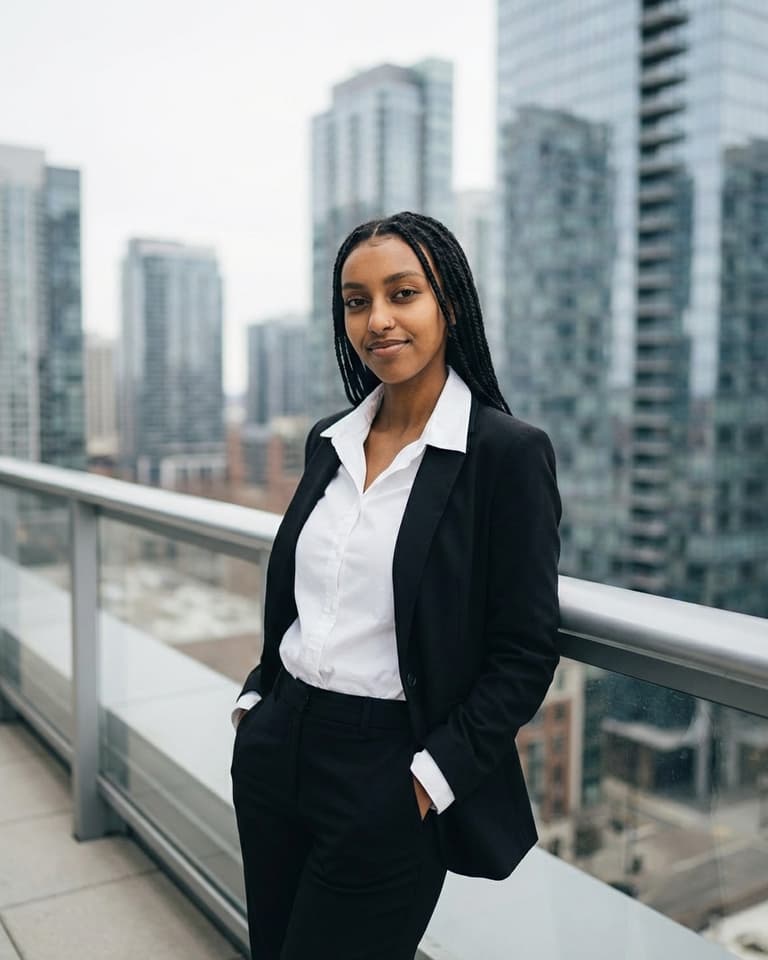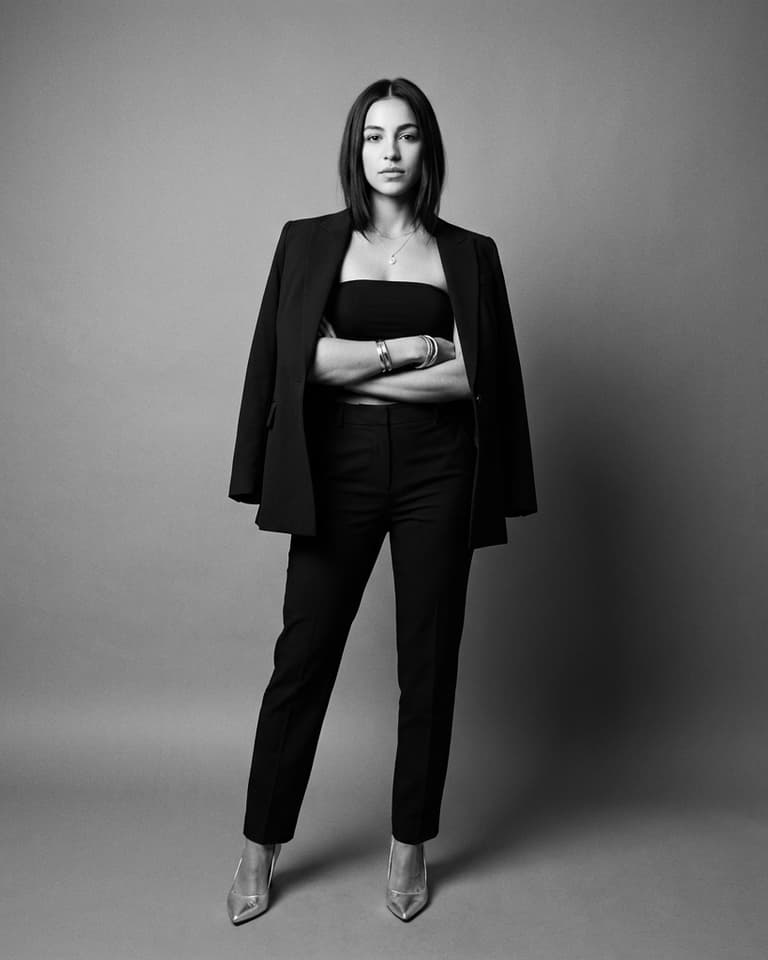
Corporate headshots
How to plan corporate headshots that look unified and human
Great corporate headshots make your team easier to trust at first glance. The goal is consistency in quality, not uniformity in personality. This guide gives you a practical structure for style, wardrobe, and rollout so your leadership pages and team directory feel intentional.
- Define your baseline style before selecting photos. - Keep lighting and crop rules consistent across the team. - Let expression vary so each person still looks like themselves.

What strong corporate headshot photography communicates

Corporate headshot photography should signal capability and clarity. Visitors should quickly understand who they are looking at and feel comfortable reaching out. When this is done well, your team page feels current and organized, which quietly reinforces brand confidence before anyone reads a full bio.

Wardrobe standards for corporate headshots

Use structured fits, simple necklines, and low-noise patterns. Mid-tone solids are reliable because they read cleanly in both desktop and mobile layouts. If your company has brand colors, use them lightly in accents. Full brand-color outfits can date quickly and create visual imbalance across a team grid.

Background and lighting rules for company-wide consistency

Pick one background family and stick with it. Neutral office tones or controlled studio backdrops are easier to scale across departments and locations. Set a shared lighting direction as well. Mixed lighting styles are one of the fastest ways for a company directory to look fragmented.

Corporate shot list: what each person should deliver

A practical baseline is two finals per person: one primary profile image and one alternate for speaking, PR, or campaign pages. For leadership, add a slightly firmer expression option for investor-facing contexts. For recruiting pages, keep a warmer expression option available.

Rollout process so every channel stays in sync

Update your website team page, executive bios, email signatures, and LinkedIn profiles in one coordinated pass. Staggered updates can make your brand look uneven for weeks. Final rollout checklist:

  • One approved crop ratio for all profiles
  • One primary image per team member
  • One backup image for secondary use
  • One shared folder with naming conventions
Visual examples from this pack
Frequently asked questions
What is the difference between corporate headshots and professional headshots?

Corporate headshots are optimized for company-wide consistency across teams and channels. Professional headshots are often more individual and role-specific.

How many corporate headshots should each employee have?

Two is a strong baseline: one primary image for directory use and one alternate for speaking or campaign materials.

Can remote teams still look consistent in corporate headshots?

Yes. Use a shared style guide for crop, background, wardrobe, and color treatment, then review final images side by side before publishing.

How often should corporate headshots be refreshed?

Most teams refresh every 12 to 24 months, with ad hoc updates for new hires, promotions, or major appearance changes.

Need a cleaner corporate headshot system?
Generate modern options quickly, align on a consistent visual standard, and roll out updates across your entire team.