Professional headshots
A friendly, practical guide to professional headshots that actually feel like you
If you have been putting this off, you are not alone. Most people do not need a dramatic rebrand; they just need one strong image that looks clear, current, and believable. This guide walks you through what to wear, how to pose, and how to choose your final photo without overthinking every detail.
- Start with the profile where this photo matters most. - Keep your outfit simple so your face does the work. - Pick the image that still feels natural after a second look.

What makes professional headshots look credible

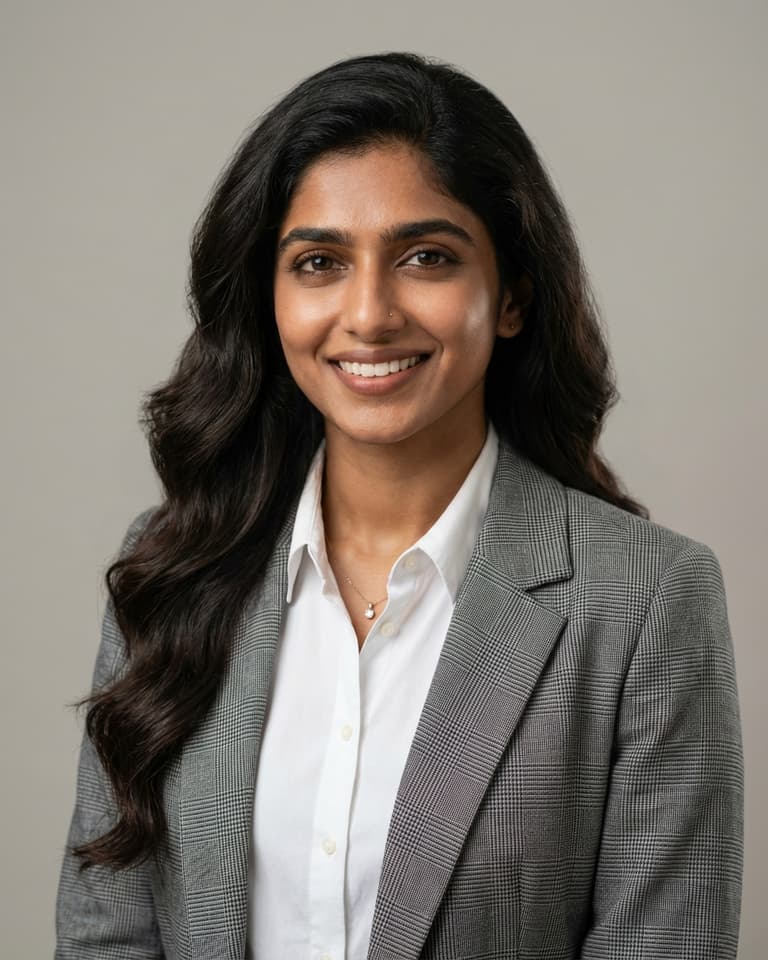
A professional headshot does not need to look perfect. It needs to look dependable. At a glance, someone should be able to read your expression, recognize your face at thumbnail size, and get a clear sense of your role. When comparing options, ask one question first: would this photo help someone trust me before we speak? That test is more useful than chasing trends.

What to wear for professional headshots

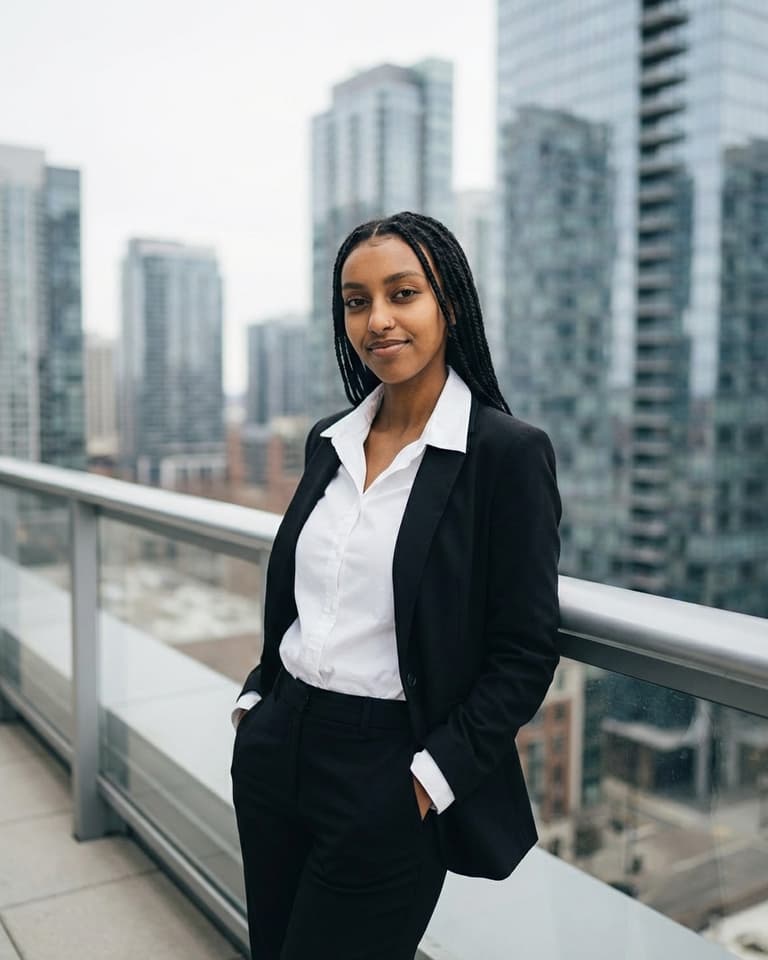
Choose clothing that reflects your day-to-day work style, elevated slightly. Clean layers, simple textures, and solid colors are dependable because they keep attention on your face. If you are stuck between two outfits, pick the one that feels most like your real working self. Photos perform better when they feel honest, especially on LinkedIn and team profile pages.

Professional headshot background ideas that work

The best professional headshot background supports the subject quietly. Soft neutral backdrops, clean office textures, or subtle gradients are usually easiest to reuse across different platforms. You can still have personality in the image, but avoid backgrounds that compete with your expression. If the backdrop is the first thing you notice, it is probably too busy.

Simple professional headshot poses for natural results

A slight shoulder angle, relaxed jaw, and steady eye line can do more than an elaborate pose. Small adjustments in posture create a confident look without feeling stiff. Capture a few expression variants: one warm, one neutral, and one with a little more energy. This gives you practical options for different contexts while keeping a consistent personal brand.

Use professional headshot examples to choose your final image

Before publishing, review your options side by side and test them at small size. Many strong photos lose impact when cropped down for profile thumbnails. Final checklist:

  • Is my face clear and easy to read?
  • Does this image match the work I want more of?
  • Would a colleague recognize me instantly?
  • Does this still feel current this year?
Visual examples from this pack
Frequently asked questions
How many professional headshots should I keep?

Keep one primary image and two backups. Use the primary everywhere important, then reserve alternates for speaking pages, press uses, or seasonal refreshes.

Can I use the same photo for LinkedIn and my resume site?

Yes, and that consistency usually helps. Reusing one strong image across LinkedIn and your website makes your personal brand easier to recognize.

How often should professional headshots be updated?

A practical cadence is every 12 to 24 months, or sooner after a major style or appearance change.

How much retouching is okay for a professional headshot?

Light cleanup is fine. Keep skin texture and facial shape natural so the final photo still looks like you in person.

Ready to refresh your professional headshot?
Create multiple polished options in one session, compare them quickly, and publish the image that fits your goals now.