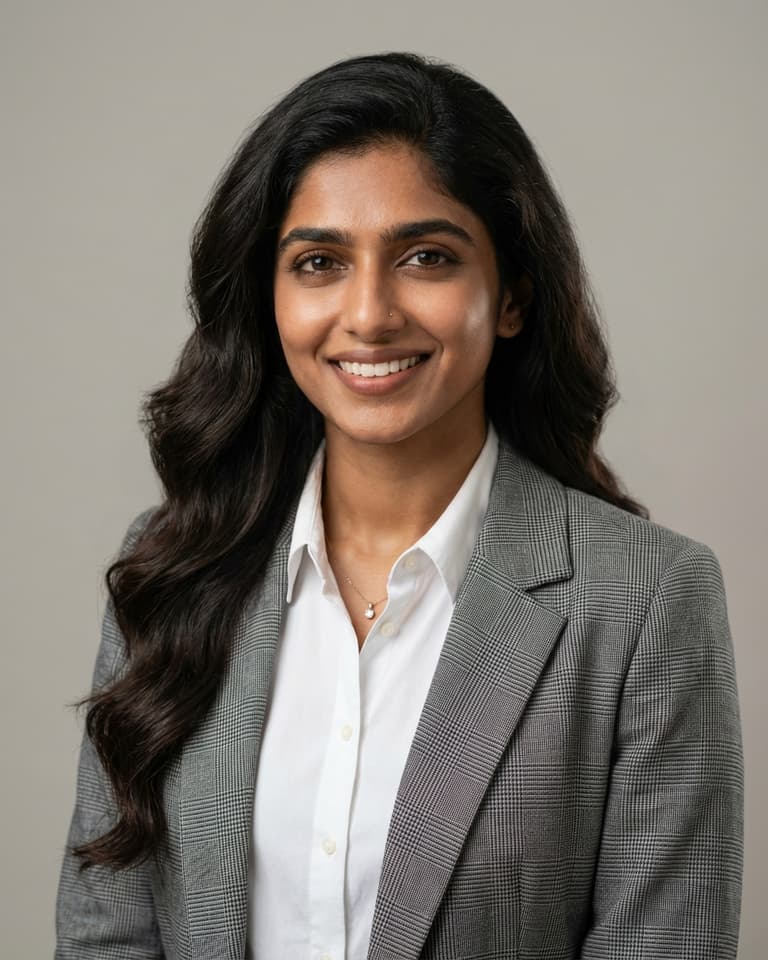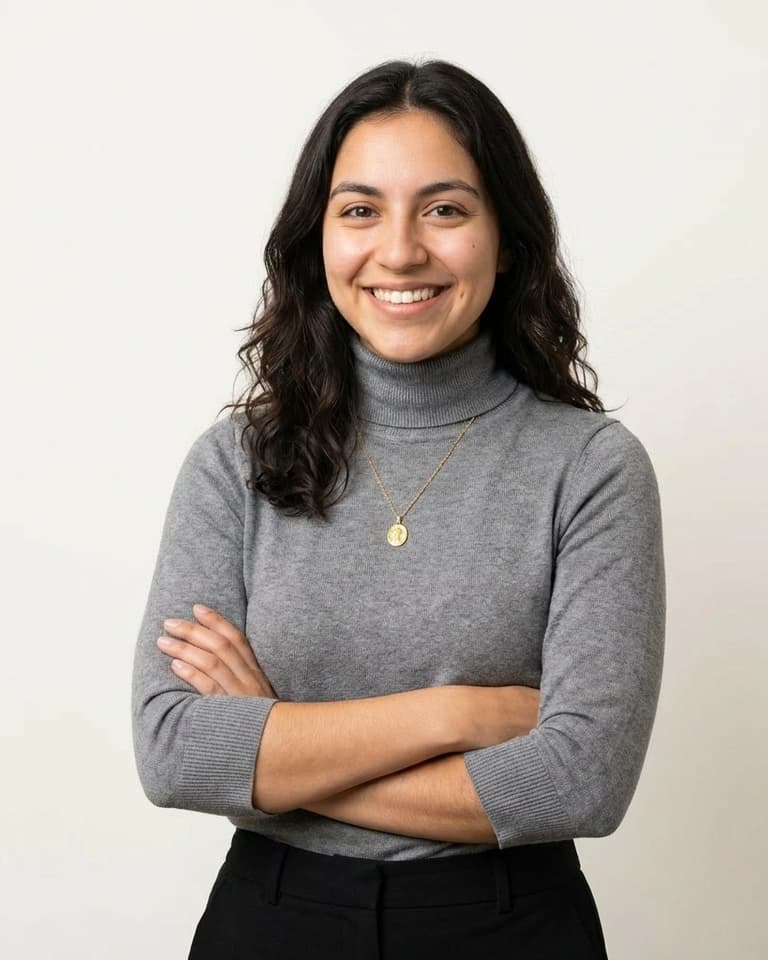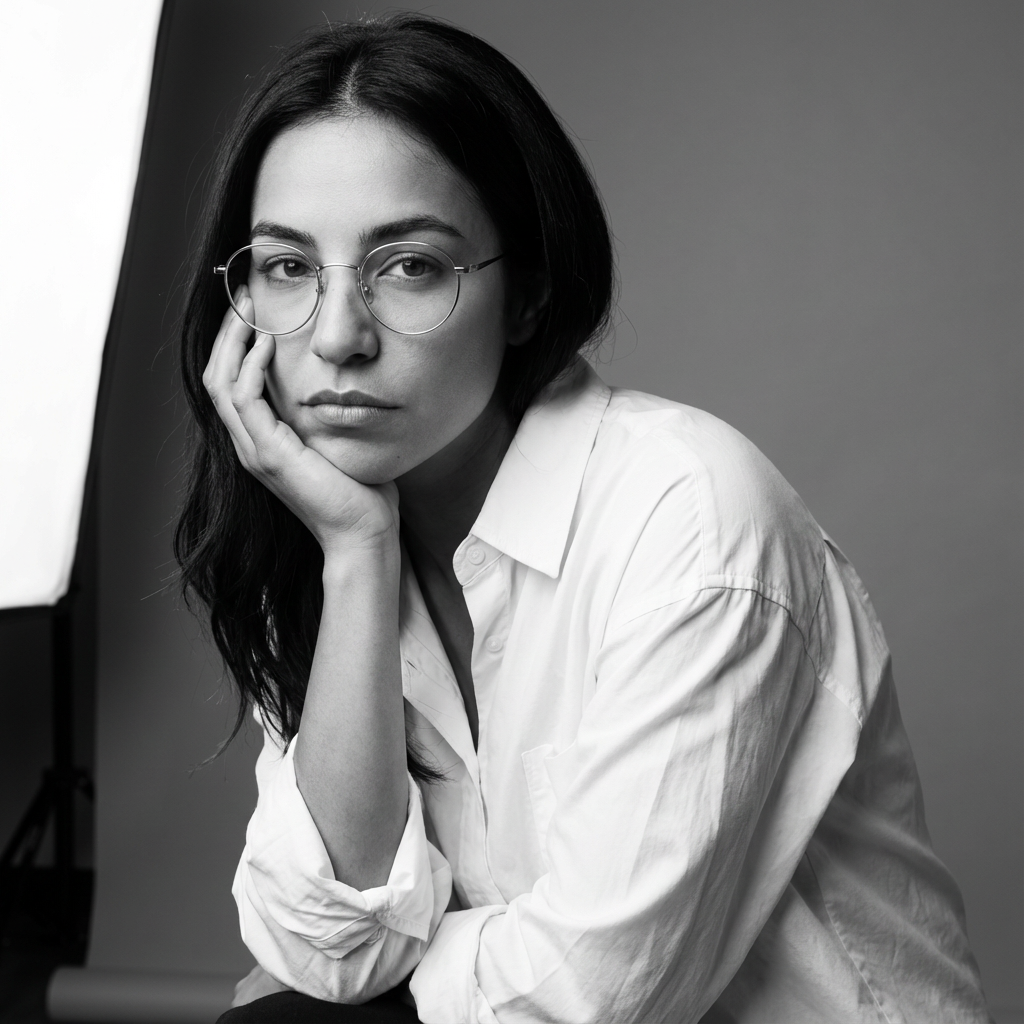
A strong LinkedIn headshot says, "I take my work seriously, and I am easy to talk to." That combination tends to perform better than either extreme: overly formal or overly casual. If you are choosing between two photos, pick the one that still looks clear and recognizable when you zoom out.
LinkedIn profile photos are displayed in a circular crop, so leave enough space around your head and shoulders. Avoid edge-heavy framing that can clip awkwardly. For upload quality, use a high-resolution square image. LinkedIn commonly recommends at least 400x400 pixels, but higher resolution gives cleaner results on larger displays.
Simple backgrounds work best for LinkedIn profile pictures because your photo appears small in many placements. Soft neutrals, subtle textures, and gentle blur help your face stay prominent. If your background draws more attention than your eyes, switch to a cleaner option. The best LinkedIn backgrounds support the subject quietly.
A relaxed posture and slight smile often create the most balanced result for LinkedIn. You want confidence without stiffness and warmth without looking overly casual. Try a few small variations in expression and compare them side by side. Tiny shifts can change how trustworthy and approachable your profile feels.
Use this quick checklist before publishing:
A consistent profile photo across your professional channels helps people recognize you faster.
Upload a square, high-resolution image. At least 400x400 pixels is a common baseline, and larger files usually keep better clarity.
A natural slight smile is a good default for most roles because it balances professionalism with warmth.
Choose a clean background with clear contrast from your face and clothing. Neutral tones are easy to reuse across industries.
A practical cadence is every 12 to 24 months, or sooner if your appearance or role has changed meaningfully.